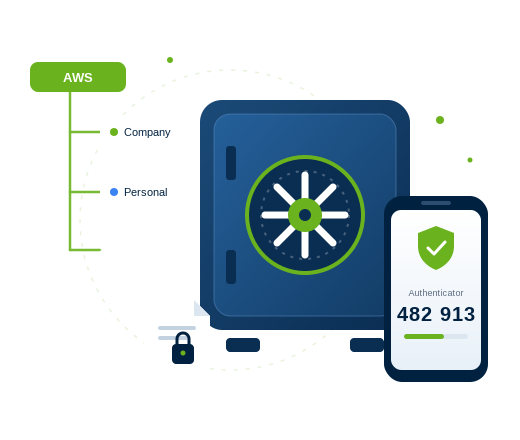
Every company credential, organised and protected.
Use your YMTS Secure Vault username or email.
First sign-in: scan this QR code with Google Authenticator, Microsoft Authenticator or Authy, then enter the 6-digit code.
Enter the 6-digit code from your authenticator app.
Enter your username or email. We'll email a reset link that works for 30 minutes. If your account has no email, the link goes to the company mailbox cloud@ymtsindia.org.
© Youngminds Technology Solutions Pvt. Ltd. · Authorised users only. Activity is logged.
Platforms hold accounts. Click + on a platform to add another account under it.
Start with a platform such as AWS, then add its accounts.
Company sensitive files and KT documents, encrypted at rest. Every upload and download is logged.
Upload KT notes, network diagrams, contracts and other sensitive files.
Every credential created, edited, password changed, viewed, copied, exported or deleted.
Create users, reset passwords, send reset emails, and reset two-factor sign-in.
Files with passwords are readable by anyone who gets them. Store them securely and delete after use. Every download is recorded in History.
Columns: Platform, Group, Account, URL, Username, Password, Notes. Platforms are created automatically. Download template
An administrator set a temporary password for you. Choose your own password to continue.
Used for "Forgot password" emails. Without one, reset links go to cloud@ymtsindia.org.